
No‑shows, phone tag, and admin overload: 5 workflow automations that give Sydney dental clinics their time back
Peter Kantarelis
Author
Sydney dental clinics are delivering modern clinical care—but many are still running the business side on manual, fragile workflows: reminder calls, copy‑pasted SMS messages, paper intake forms, and "we'll call the waitlist when we get a minute".
That gap shows up in three places:
- Owners feel it as lost production and underutilised chair time.
- Practice managers feel it as daily diary chaos and front-desk burnout.
- Operations leaders feel it as inconsistency across clinicians, locations, and teams—and increased risk when processes live in people's heads.
The good news: you usually don't need to replace your practice management system (PMS) to fix this. Most clinics can reduce no‑shows, tighten scheduling, and cut admin workload by automating a handful of repeatable workflows around the systems they already use.
This article walks through five automations that are practical for Sydney dental practices—and what "good" looks like when you implement them safely.
Why no‑shows and manual admin are expensive (even when the diary looks full)
A full appointment book is not the same as a full day of production.
In dentistry, the cost of no‑shows and late cancellations compounds because:
- chair time is perishable (you can't "store" a missed hour),
- the front desk gets stuck in reactive work (calling, rescheduling, confirming),
- clinicians lose momentum and run late or underbook,
- patients who slip through cracks often don't return for recall.
In Sydney specifically, high fixed costs (wages, rent, compliance overhead) leave less margin for inefficiency—so small leakage becomes meaningful quickly.
The pattern we see most often isn't "bad staff." It's workflows that depend on memory, manual effort, and phone calls.
Automation 1: Two‑way appointment reminders (not just "a text the day before")
The common problem
Many clinics have reminders—but they're inconsistent:
- a single SMS at a generic time,
- manual calls when reception has time (which is never when it matters),
- no easy way for patients to confirm or reschedule without calling.
Result: patients don't respond, cancellations come late, and the front desk spends the day chasing people.
What good automation looks like
A basic "reminder journey" is simple and effective:
- Multi-step reminders (e.g., a few days before + day-of for selected appointments)
- Two-way response: confirm / cancel / request reschedule via link or SMS reply
- Automatic diary updates when a patient cancels (so the slot can be refilled fast)
Key idea: reduce friction for the patient and reduce phone dependency for the clinic.
Who this helps most
- Owners: fewer holes in high-value sessions
- Practice managers: fewer outbound calls, fewer surprises
- Ops: consistent process across all clinicians and sites
Automation 2: Waitlist and short-notice fill (stop leaving cancellations to "phone tag")
The common problem
Most clinics technically have a waitlist, but it's manual:
- a spreadsheet, notes in the PMS, or a sticky note system
- reception calls people one by one
- by the time you reach someone, the slot is already wasted
What good automation looks like
A "short-notice fill" workflow:
- triggers when a cancellation occurs,
- checks which patients want earlier appointments (and their preferences),
- sends an SMS/email offering the slot,
- books the first confirmed patient and closes the loop.
You still keep staff oversight, but you stop relying on someone having time to make 12 calls.
Who this helps most
- Owners: higher chair utilisation
- Practice managers: less diary Tetris
- Ops: standardised fill rules (fair + consistent)
Automation 3: Digital intake and pre-appointment forms (cut data entry and reduce risk)
The common problem
Paper forms and "fill this out when you arrive" creates predictable pain:
- patients arrive early or late and the waiting room bottlenecks,
- staff re-types details (and introduces errors),
- clinicians start without updated medical history or consent.
What good automation looks like
- Pre-appointment intake link sent after booking (SMS/email)
- Mobile-friendly forms with conditional questions (only what's relevant)
- Direct capture of contact details, medical history, consent
- Flagging changes (e.g., new medications, allergies, conditions) before the appointment
This isn't just efficiency. It's safety and documentation.
Compliance note (Australia)
You're handling sensitive health information. At minimum, any digital workflow should support:
- secure transmission (encryption in transit),
- access control (who can see/edit),
- audit logs where possible,
- sensible retention and offboarding processes,
- a clear approach to incident response.
(You don't need to turn into a software company—but you do need guardrails.)
Automation 4: Recalls and follow-ups that don't depend on someone "remembering to run a report"
The common problem
Recalls are often handled ad-hoc:
- someone runs a report "when things slow down,"
- reminders go out in bursts,
- follow-ups after treatment are inconsistent across clinicians.
Patients drift, and the clinic loses continuity of care.
What good automation looks like
- Recall sequences based on clinical category and timeframes (6 months, perio, etc.)
- Follow-up messages tied to procedures (post-op care, check-ins)
- A basic dashboard that shows recall coverage and outstanding follow-ups
Done well, this feels like proactive care, not spam.
Automation 5: Payment and accounts workflows (consistent, polite, and on time)
The common problem
Collections become emotional and inconsistent when they're manual:
- someone forgets to follow up,
- staff feel awkward sending reminders,
- overdue balances accumulate quietly.
What good automation looks like
- post-visit payment reminders with secure links (timed rules)
- payment plan reminders with status tracking
- standardised wording so it's firm but professional
- escalation rules (e.g., after X days, change channel or notify management)
The point isn't to "hound people." It's to make billing predictable and reduce awkward conversations at the desk.
The real blocker isn't "technology"—it's messy workflows and unclear ownership
Most clinics already have enough tech to improve operations. The failure mode is usually:
- nobody has mapped the workflow end-to-end,
- the PMS isn't integrated with communication tools properly,
- there's no owner for "what happens when it breaks,"
- security and access are an afterthought until something goes wrong.
Automation works when you treat it like a process improvement project, not a gadget.
How to start (without a giant IT project)
If you want results quickly, do this in order:
- Pick one workflow with obvious pain (usually reminders + cancellations)
- Define the rule set (timing, appointment types, exceptions, escalation)
- Decide what must be written back to the PMS vs what can remain external
- Implement with monitoring (message failures, booking conflicts, auditability)
- Review after 30 days using simple metrics:
- no-show rate and late cancellation rate
- time spent on outbound calls
- short-notice fill rate
- patient complaints about reminders/intake
Then move to the next workflow.
A note from LOOKUP (why we're writing about this)
At LOOKUP, we sit in the "in-between" layer: not just IT support, and not a one-size-fits-all dental software vendor.
Dental clinics are line-of-business heavy: the PMS, comms, payments, identity/access, devices, and compliance all intersect. We're used to stepping into that environment, learning the business application stack quickly, and then interrogating it from two angles:
- security and risk (who can access what, how data moves, what gets logged),
- operational reality (what actually happens at reception at 8:30am on a Monday).
If you're a Sydney dental practice and you want a practical starting point, the first step isn't "buy a tool." It's mapping one workflow end-to-end and identifying where automation can remove the repetitive steps safely.
Follow The AI IT Guy on LinkedIn
Subscribe to Peter Kantarelis's weekly LinkedIn newsletter for practical ideas on AI and better business. LinkedIn can notify you when each edition is published, according to your notification settings.
Subscribe on LinkedInReady to evolve your business?
Our team of senior engineers is ready to help you implement the strategies discussed in this article.
Book a Free ConsultationRelated Articles
View All Posts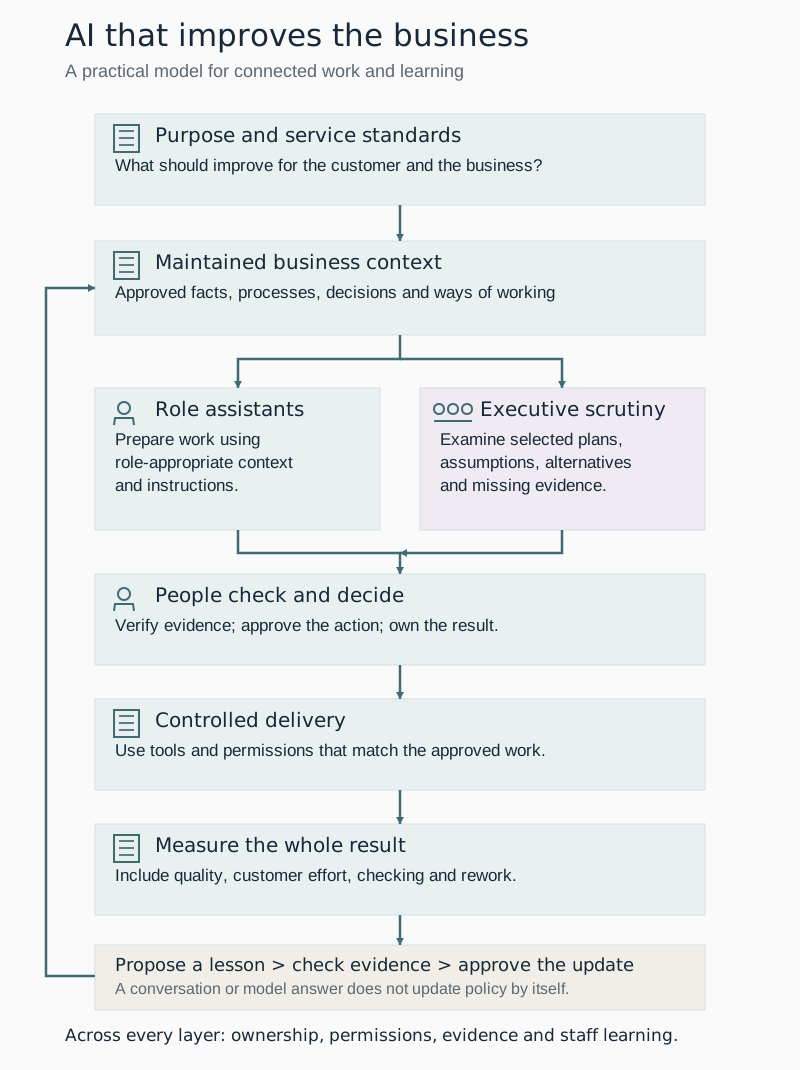
AI should help us build a better business
How business context, role assistants, human judgement and approved learning can help organisations improve the whole process, not just the speed of one task.

How we put AI to work at LOOKUP
How LOOKUP uses business knowledge, tailored assistants and human approval to put AI to work in meetings, proposals and everyday operations.

Building a Winning AI Strategy for Your SMB in 2026
AI is now a baseline expectation, not an experiment. How a strategic IT partnership helps your SMB adopt AI securely and get real return on it.