
Built for Small Businesses That Want Less Admin and More Leads
LOOKUP makes IT simple by building websites that convert, automations that stop leads going cold, and AI agents that reduce the manual work—backed by a security-first MSP team.
- Capture and qualify enquiries 24/7
- Automate follow-up and booking steps
- Reduce inbox and repetitive admin
- Improve consistency with on-brand AI content and replies
Sydney-based support • Security-first • Built + managed by your IT partner
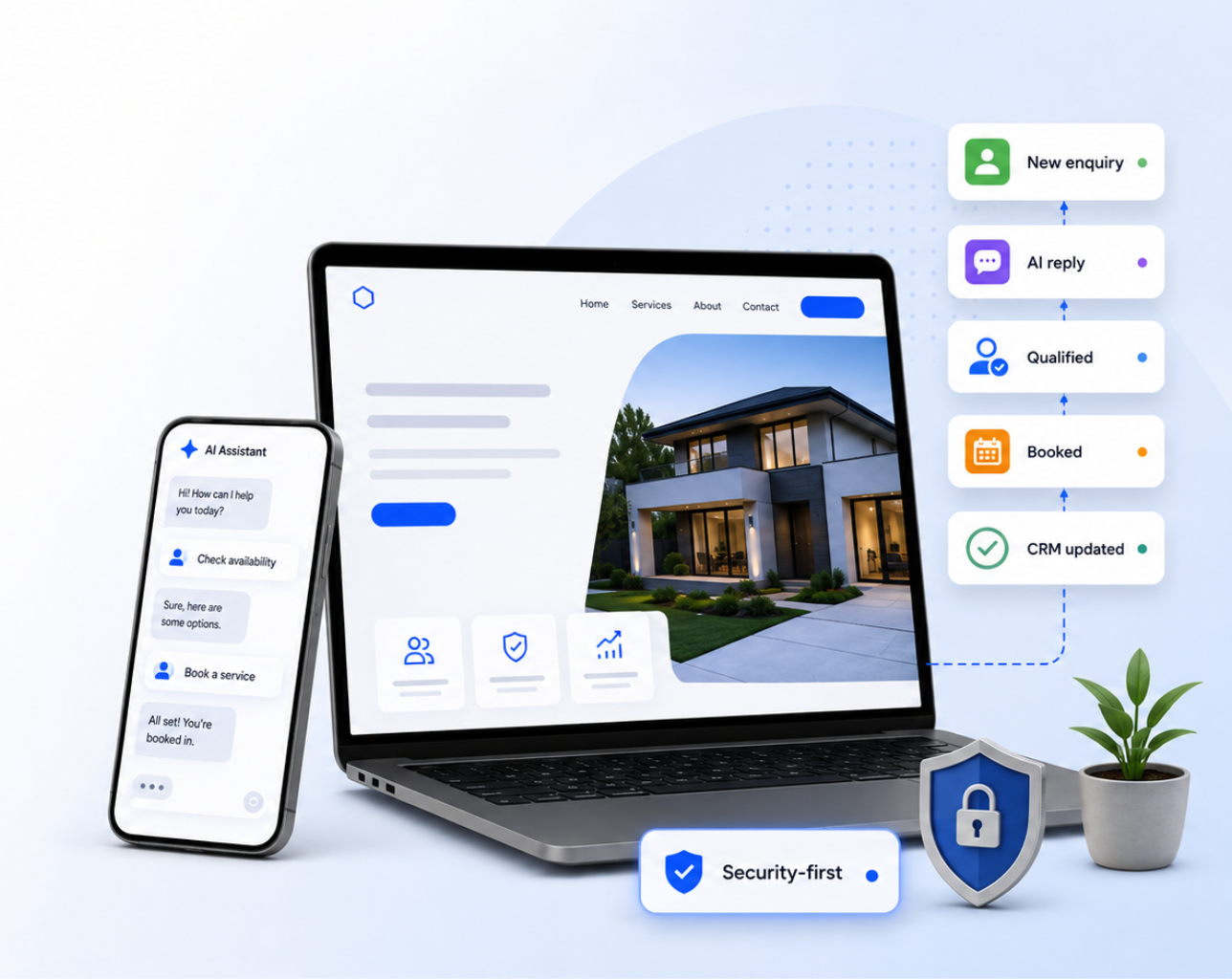
Yes - we do websites. And we connect them to automation.
Websites & Landing Pages
Conversion-focused pages with tracking, lead capture, and clear calls to action.
Automation & Workflows
Routing, reminders, approvals, and handoffs that remove bottlenecks.
AI Agents (Microsoft + Standalone)
Copilot agents and conversational agents that draft, summarise, respond, and assist.
Most SMBs don’t have a traffic problem.
They have a follow-up problem.
Leads come in after hours. Messages sit in inboxes. The “call back later” list grows. Admin gets done last.
LOOKUP builds a connected system so enquiries are captured, routed, and progressed automatically—without sacrificing quality or security.
What LOOKUP builds for you
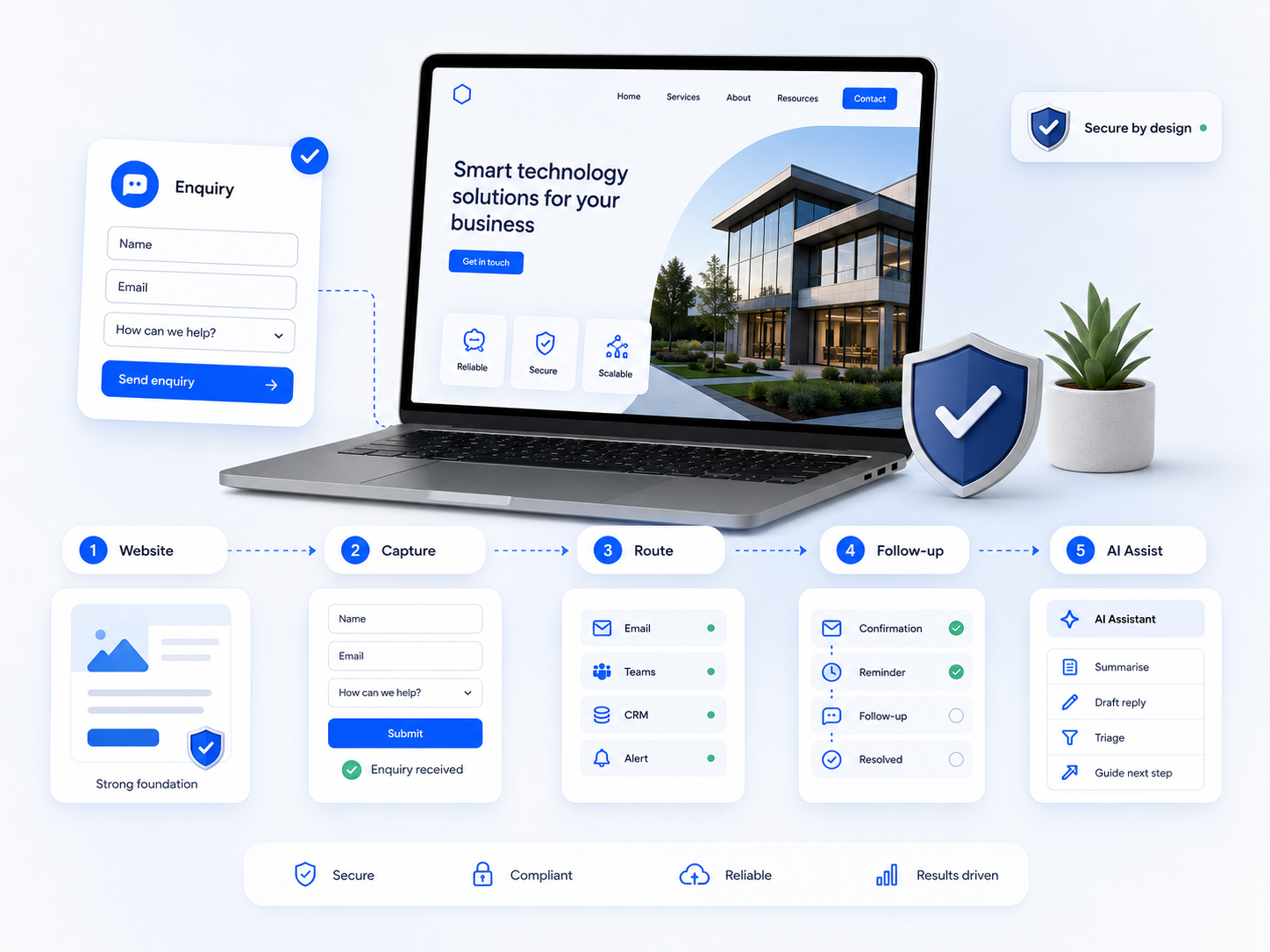
Website foundations that convert
Clear messaging, services pages, landing pages, analytics, and lead capture—built to generate enquiries, not just look good.
Lead capture + qualification
Chat, forms, call tracking, and smart questions that collect the details your team needs.
Routing + notifications
Send leads to the right person instantly (email/Teams/CRM), with transcripts and next steps.
Follow-up automation
Auto-confirmations, reminders, and sequences that keep prospects moving.
AI assistance (internal + customer-facing)
Agents that reduce repetitive work: summarising, drafting, triaging, and guiding customers.
Two ways to deploy
Choose one or run both
Standalone Automation + AI Concierge
Best if you want fast results and flexibility, regardless of your tech stack.
Typical use cases:
- 24/7 website chat that captures and qualifies enquiries
- Lead routing rules + missed-lead protection
- Follow-up sequences and reminders
- Reporting on captured leads and common questions
Microsoft 365 Copilot Agents + Workflows
Best for teams living in Outlook and Teams that want AI with governance.
Typical use cases:
- Shared inbox triage (sales/support/accounts)
- Draft replies, summaries, categorisation, escalation rules
- Workflow automation across Microsoft 365
- Security-first permissions and data boundaries
AI content agents that stay on-brand
(and actually ship drafts)
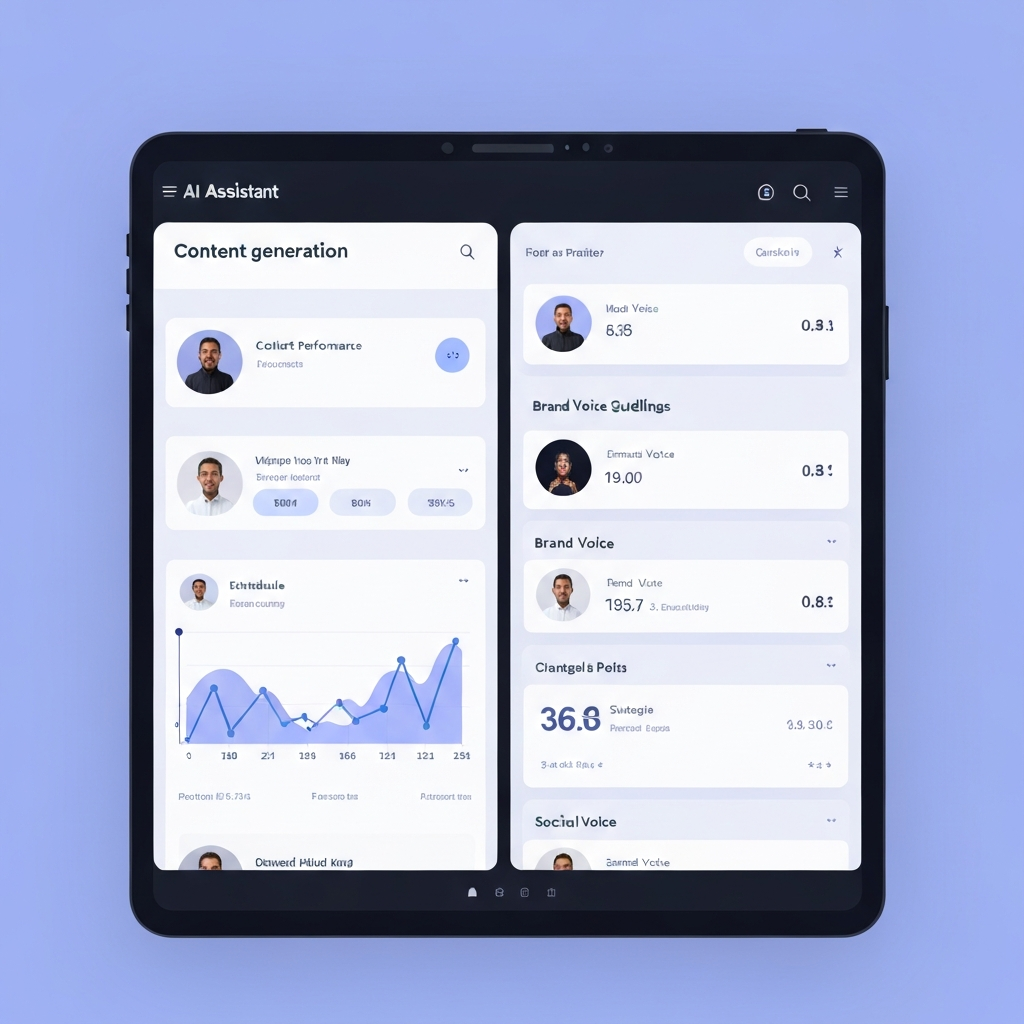
LOOKUP can deploy Copilot agents and conversational agents that create social posts and copy aligned to your services, your tone, and your knowledge base—then route drafts for review so quality stays high.
Examples:
- Social post drafts by service line
- Website copy drafts and landing page variations
- FAQs and short follow-up emails
- Platform-specific versions (LinkedIn vs Instagram vs email)
Included: your Brand Voice + Knowledge Base baseline
(so AI outputs are actually usable)
Most SMBs don’t have a clean “source of truth.” That’s why AI outputs turn generic fast. During onboarding, LOOKUP helps build and structure the voice and reference material your tools will use.
Brand Voice Blueprint
Tone, do/don’t list, examples
Service Messaging Stack
Differentiators, proof points, objections, approved claims
Knowledge Base Starter Pack
FAQs, processes, policies
Approval + Governance
Rules on who can publish, what needs review
Want to run the tools yourself? We’ll set it up and stay accountable.
If you prefer to self-manage third‑party applications, LOOKUP can help you select the right stack, configure it securely, integrate it into your workflow, and provide ongoing support—so you still have an IT department at the end of the day.
Talk to a ConsultantSecurity-first by design
- Permissioned access and role-based controls
- Review steps for outbound content where required
- Safe handling of customer and internal data
- Built and supported by a cyber-security-focused IT team
Frequently Asked Questions
Stop losing leads. Stop drowning in admin.
Book a quick call. We’ll map your current enquiry flow and internal workflow, identify the biggest leaks, and propose the fastest build plan.
15-minute discovery call • Clear next steps • No obligation