
Automating Daily Workflows with AI Copilots
Najam Hassan
Author
AI Copilots are revolutionizing the way we work. By integrating AI into your daily workflows, you can automate repetitive tasks and significantly boost productivity.
What is an AI Copilot?
An AI Copilot is an intelligent assistant that works alongside you, helping with tasks like drafting emails, summarizing documents, and analyzing data.
Key Areas for Automation
- Customer Support: AI chatbots can handle routine inquiries, freeing up your team to handle complex issues.
- Data Entry and Analysis: Automate data extraction and generate insightful reports in seconds.
- Content Creation: Use AI to draft blog posts, social media updates, and marketing copy.
- Meeting Management: Automatically transcribe meetings and generate action items.
Implementing AI Copilots requires a strategic approach to ensure data security and user adoption. LOOKUP can help you navigate this transition and unlock the full potential of AI automation.
Follow The AI IT Guy on LinkedIn
Subscribe to Peter Kantarelis's weekly LinkedIn newsletter for practical ideas on AI and better business. LinkedIn can notify you when each edition is published, according to your notification settings.
Subscribe on LinkedInReady to evolve your business?
Our team of senior engineers is ready to help you implement the strategies discussed in this article.
Book a Free ConsultationRelated Articles
View All Posts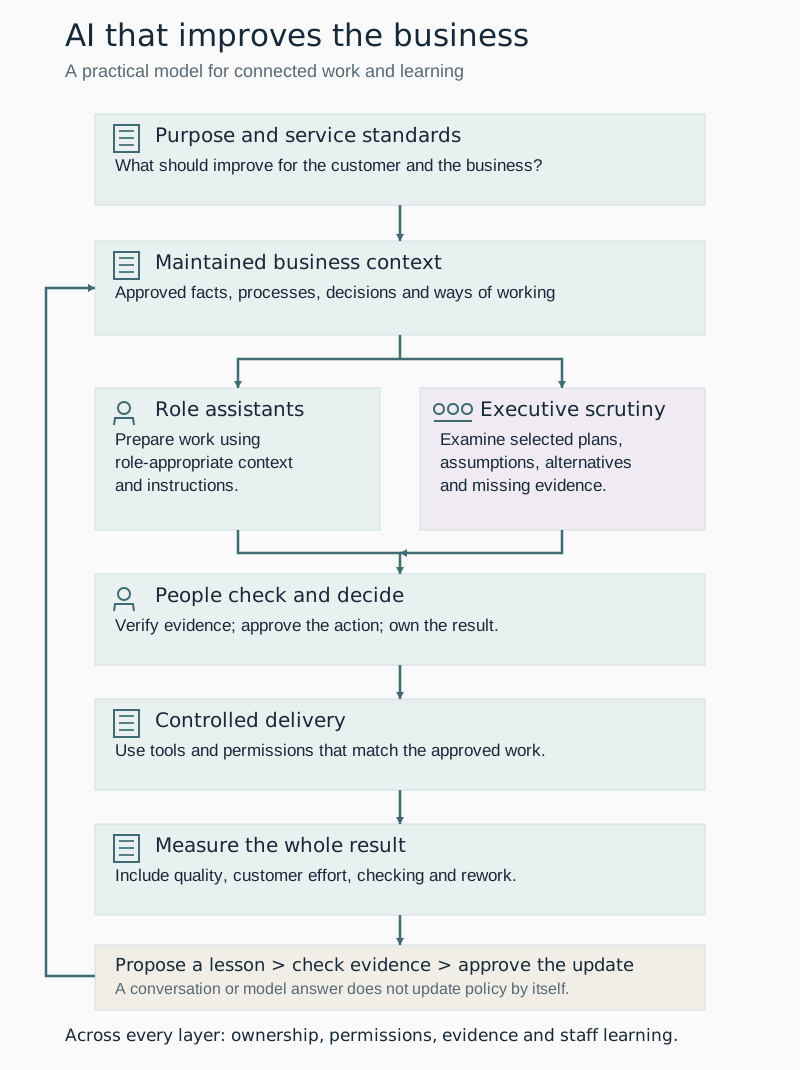
AI should help us build a better business
How business context, role assistants, human judgement and approved learning can help organisations improve the whole process, not just the speed of one task.

How we put AI to work at LOOKUP
How LOOKUP uses business knowledge, tailored assistants and human approval to put AI to work in meetings, proposals and everyday operations.

No‑shows, phone tag, and admin overload: 5 workflow automations that give Sydney dental clinics their time back
Sydney dental clinics are delivering modern clinical care—but many are still running the business side on manual, fragile workflows. Learn 5 automations to fix this.